Apply to Sparked Live
The quickest way in is our TikTok application link. Tap it, send your details, and we take it from there — no invitation code needed.
Open the application on TikTok
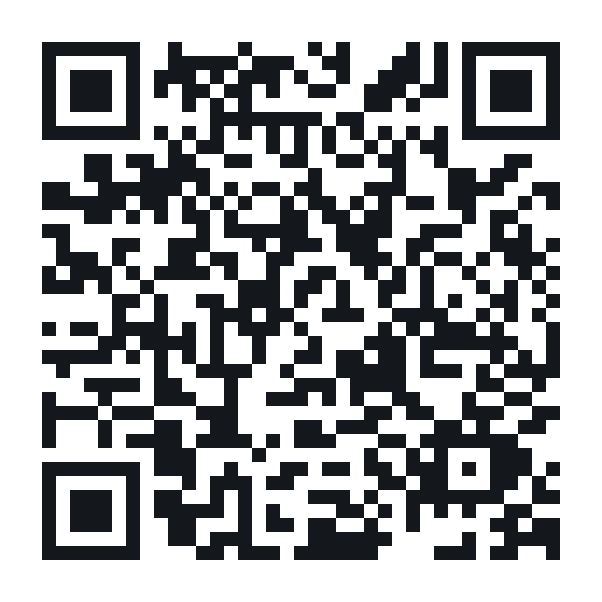
Applying through this link means TikTok already knows which
network you are applying to, so you can skip the invitation code
entirely. The rest of this page is only for people who did not use it.
If you are applying without our link
TikTok will ask you for a 6-character invitation code. Here is where to find it — it takes about thirty seconds.
The same steps, written down
- Open TikTok Studio and tap the LIVE tab.
- Scroll down to Tools and resources.
- Tap Join Creator Network.
- Tap View how to join.
- Under step 2, Apply to join, tap the invitation code link.
- Your code appears — six characters, letters and numbers.
- Tap Copy code and send it to us.
Your code expires after 24 hours. The screen
shows the exact time it runs out. If yours has lapsed, just open the same screen
again and generate a new one — there is no limit and it costs you nothing.
What the code does, and what it doesn't
- It lets us send you a Creator Network invitation through TikTok's own system
- It is tied to your handle and expires on its own
- It does not give anyone access to your account
- It does not sign you up for anything — you still have to accept the invitation inside the TikTok app, and you can decline it
Nobody should ever ask you for your password.
Not us, not TikTok, not anyone claiming to work with either. The invitation code
is the only thing we need from you, and a real network never charges a joining
fee or takes a cut of your diamonds.